
Resources & FAQ
Tools, Tips & Answers for Families
Everything you need to feel informed, supported, and ready — from common questions to our favorite apps for children with Autism.
Frequently asked questions
Questions Families Ask Us
15 Mobile Apps for Autism Support
Helpful tools for communication, learning, routines, emotions, and daily living skills — curated for families like yours.
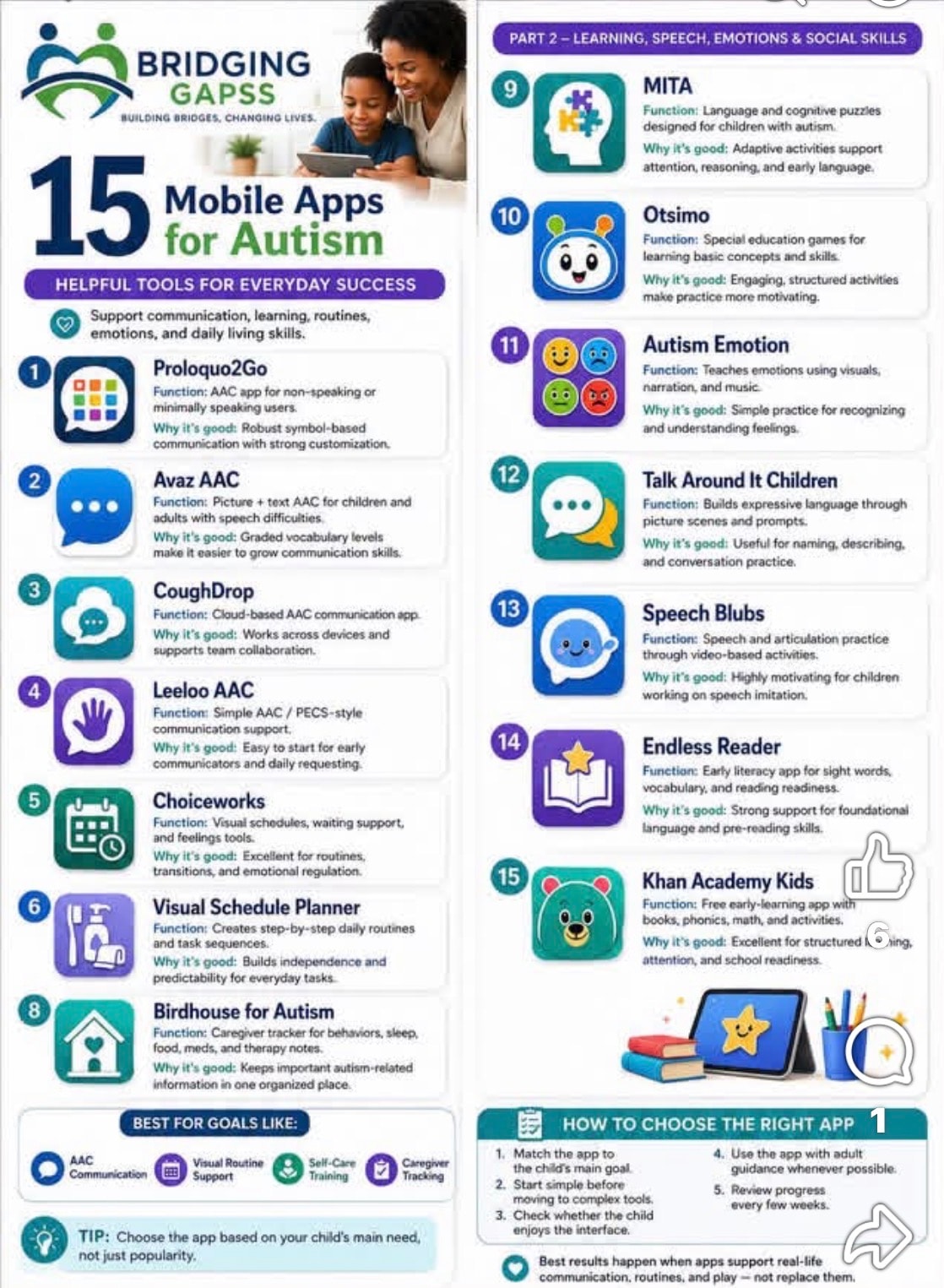
Infographic source: Bridging GAPSS
Part 1 — Communication & Daily Routines
Proloquo2Go
Function: AAC app for non-speaking or minimally speaking users.
Why it's good: Robust symbol-based communication with strong customization.
Avaz AAC
Function: Picture + text AAC for children and adults with speech difficulties.
Why it's good: Graded vocabulary levels make it easier to grow communication skills.
CoughDrop
Function: Cloud-based AAC communication app.
Why it's good: Works across devices and supports team collaboration.
Leeloo AAC
Function: Simple AAC / PECS-style communication support.
Why it's good: Easy to start for early communicators and daily requesting.
Choiceworks
Function: Visual schedules, waiting support, and feelings tools.
Why it's good: Excellent for routines, transitions, and emotional regulation.
Visual Schedule Planner
Function: Creates step-by-step daily routines and task sequences.
Why it's good: Builds independence and predictability for everyday tasks.
Birdhouse for Autism
Function: Caregiver tracker for behaviors, sleep, food, meds, and therapy notes.
Why it's good: Keeps important autism-related information in one organized place.
Part 2 — Learning, Speech, Emotions & Social Skills
MITA
Function: Language and cognitive puzzles designed for children with autism.
Why it's good: Adaptive activities support attention, reasoning, and early language.
Otsimo
Function: Special education games for learning basic concepts and skills.
Why it's good: Engaging, structured activities make practice more motivating.
Autism Emotion
Function: Teaches emotions using visuals, narration, and music.
Why it's good: Simple practice for recognizing and understanding feelings.
Talk Around It Children
Function: Builds expressive language through picture scenes and prompts.
Why it's good: Useful for naming, describing, and conversation practice.
Speech Blubs
Function: Speech and articulation practice through video-based activities.
Why it's good: Highly motivating for children working on speech imitation.
Endless Reader
Function: Early literacy app for sight words, vocabulary, and reading readiness.
Why it's good: Strong support for foundational language and pre-reading skills.
Khan Academy Kids
Function: Free early-learning app with books, phonics, math, and activities.
Why it's good: Excellent for structured learning, attention, and school readiness.
How to Choose the Right App
- 1Match the app to the child's main goal.
- 2Start simple before moving to complex tools.
- 3Check whether the child enjoys the interface.
- 4Use the app with adult guidance whenever possible.
- 5Review progress every few weeks.
Pro Tip
"Choose the app based on your child's main need, not just popularity."
Best results happen when apps support real-life communication, routines, and play — not replace them.
Still Have Questions?
We're happy to talk through anything — no question is too small. Book a free consultation and let's connect.